How to make a birthday video with photos and name
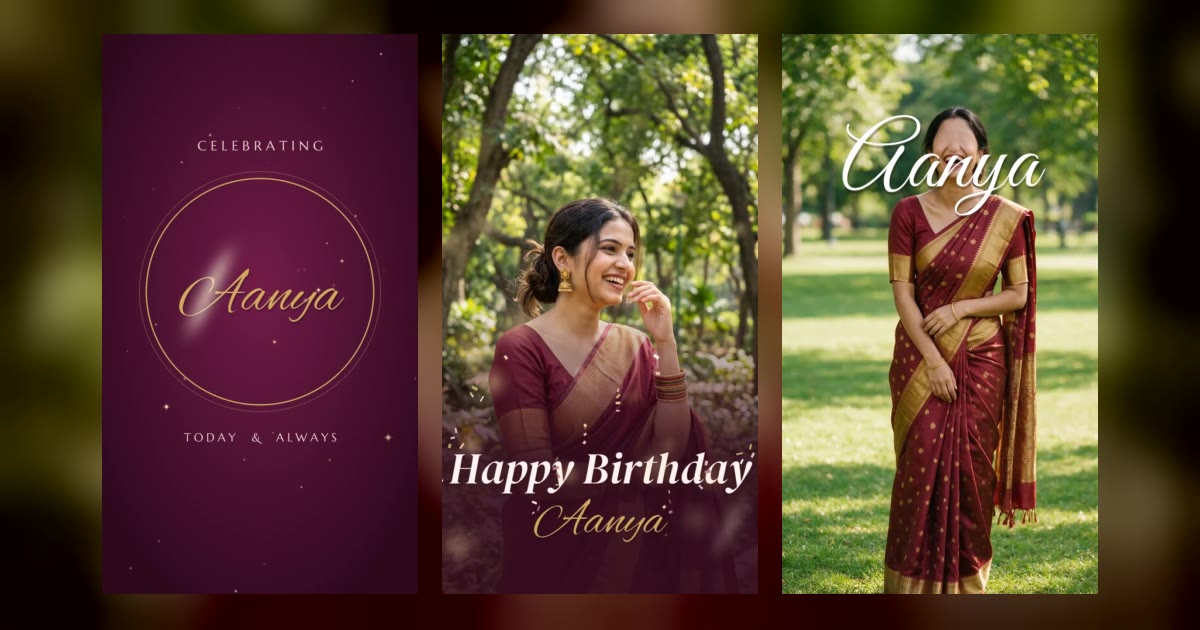
A birthday video with their photos and name is the gift everyone screenshots, puts on their status, and watches again at 2 am.
You don’t need editing apps or an hour on a timeline. Here’s what makes a good birthday video, which photos to use, and the fastest way to make one on your phone.
In this post (5 parts)
What makes a birthday video feel special
- Their name, big and clear. It should feel made for them, not a forward.
- Real photos. Candid ones work better than perfect ones.
- Short. 15–30 seconds is perfect for a story or status.
- Vertical (9:16). It fills the phone screen on WhatsApp and Instagram.
- Music that matches the mood — party, cute, or emotional.
Which photos to pick
- One clear photo of just them — for the opening.
- One of you together.
- One funny or embarrassing one — they’ll pretend to be angry.
- One old photo — childhood, school, the first one you have together.
Tip: pick photos where the face is in the middle and well lit. They look much better once the video zooms and frames them.
The 2-minute way: ready-made birthday video looks
On our story video store you choose a look, type their name and add your photos. You see a free preview with your own photos first, then pay ₹49 and download the finished MP4, ready to send or post.
Some birthday looks to start with (see all birthday videos):
- Golden Blush — soft, elegant and golden.
- Neon Party — for the friend who lives at parties.
- Filmy Star — make them the hero of the film.
- Pastel Dream and Make a Wish — cute and dreamy.
- Desi Dhamaka — loud, colourful, full desi.
- Scrapbook Memories — for lots of old photos.
- Rose Gold Glam and Black & Gold — classy and grown-up.
- Disco Fever, Comic Pop and Bold Type — loud and fun.
- Photo Booth and Boho Bloom — soft and aesthetic.
- Cartoon Party — for kids’ birthdays.
Not a birthday? There are looks for every occasion:
- Anniversary: Forever & Always, Rose Petals, Our Love Story, Saalgirah Mubarak, Moonlit City and Our Timeline.
- Love: Neon Love, Love Letter, You Make My Heart Skip a Beat and You & Me Cute Couple.
- Friends and miss you: Besties Forever and Miss You Every Day.
- Festivals: Diwali and Bhai Dooj.
Already making a birthday gift? Add the video
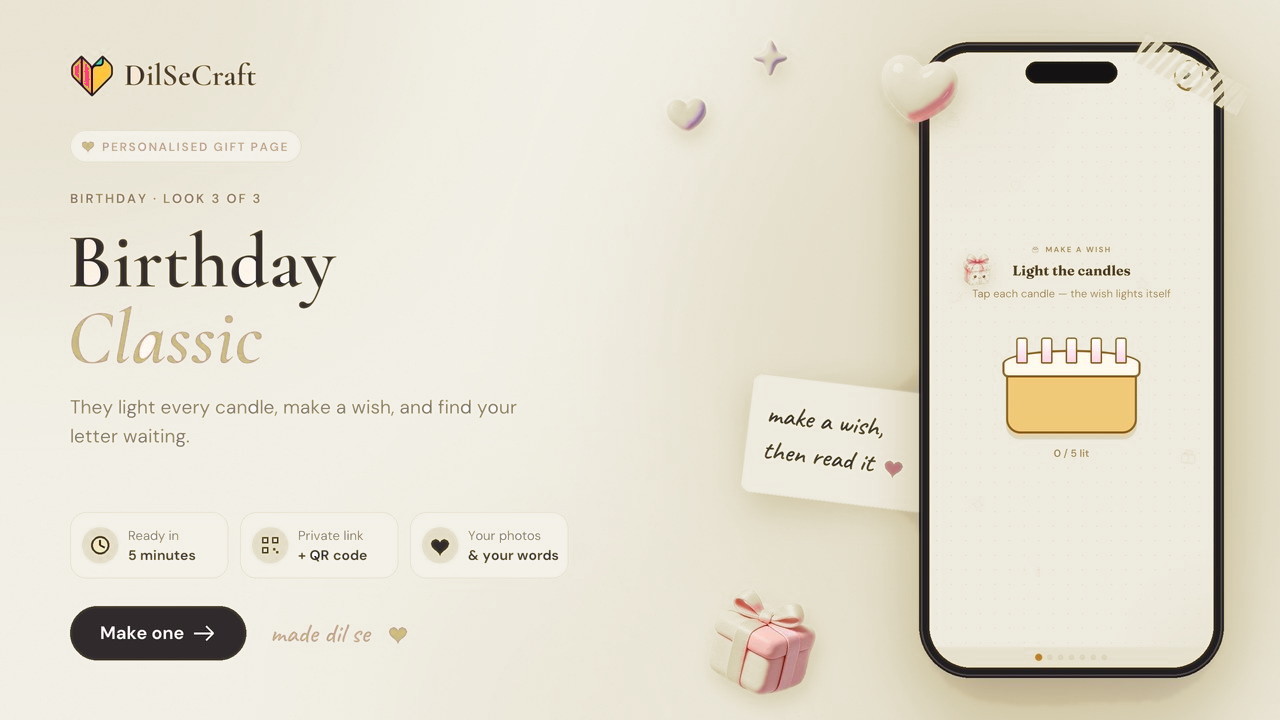
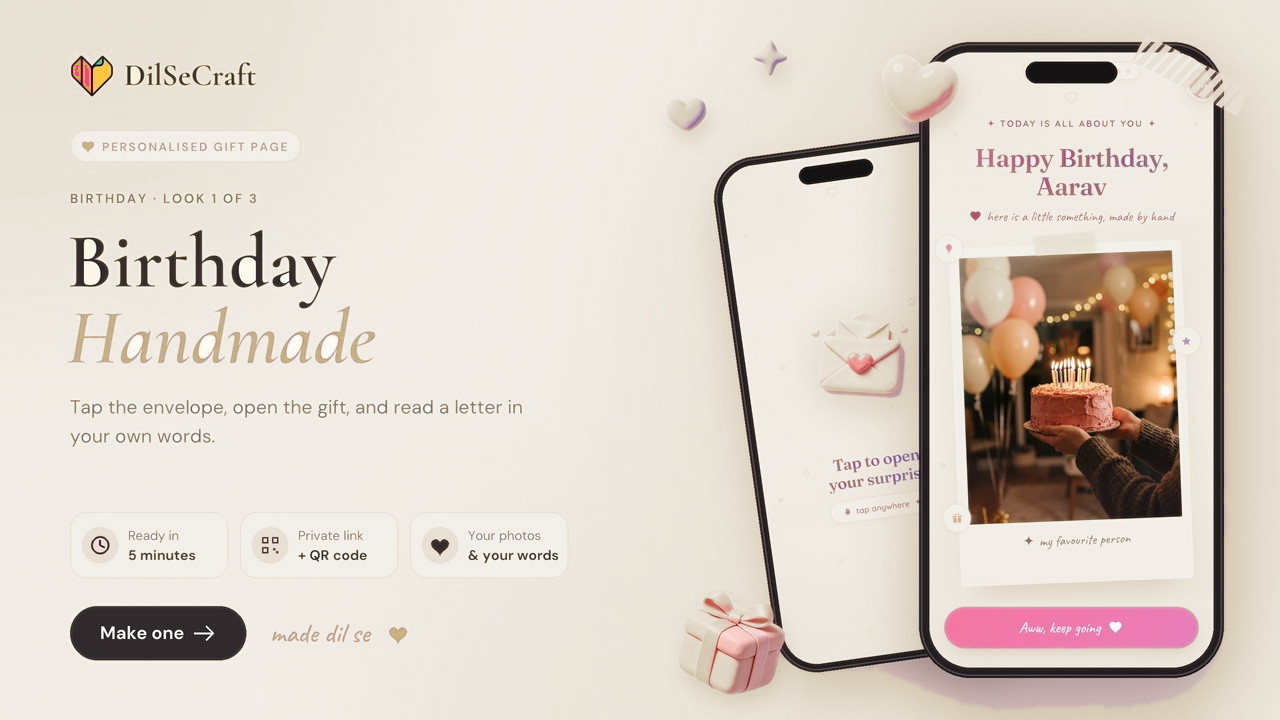
If you make a birthday surprise page on DilSeCraft, you can tick “Also get a story video” for ₹19 more. It uses the same photos and name, so they get an interactive gift to open and a video to post.
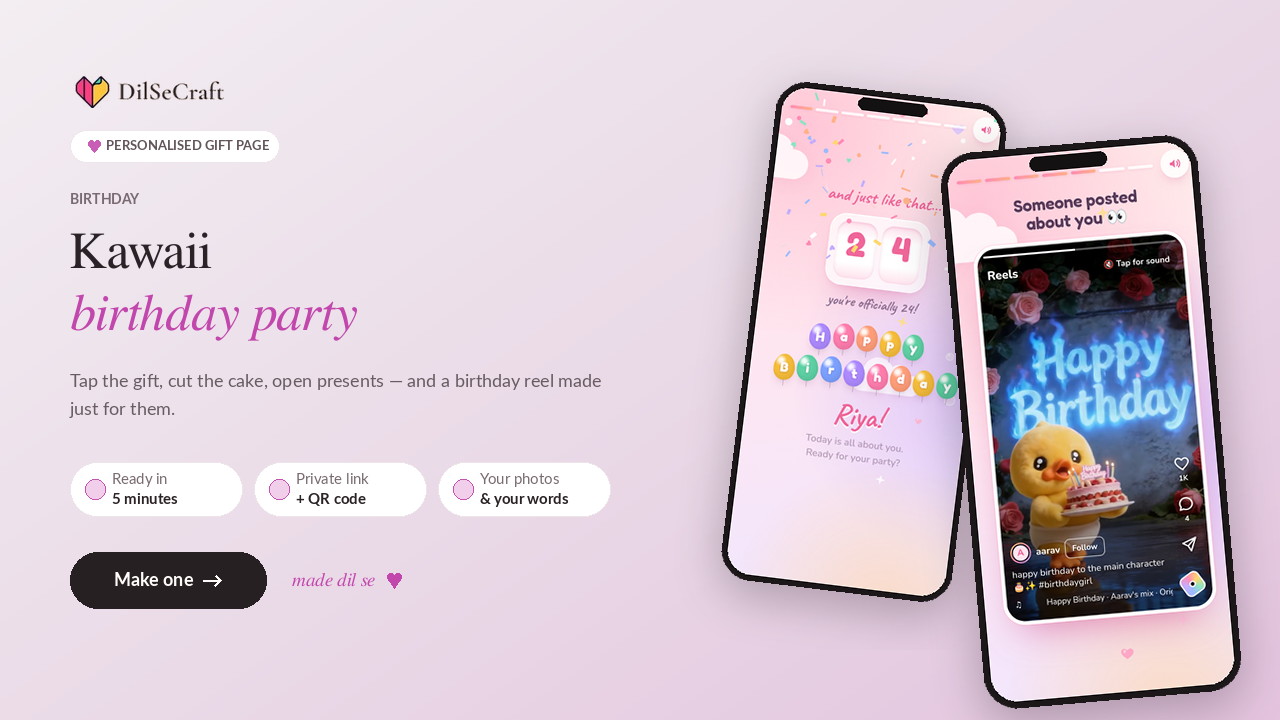 Kawaii Birthday Party
An interactive birthday page — tick “Also get a story video” and they get the video too.
When and how to send it
- At 12:00 midnight on WhatsApp — be the first.
- As your Instagram story, tagging them.
- In the family group, so everyone sees it.
- With a letter — a video makes them smile; a letter makes them cry. See how to write a love letter.
Questions people ask
How do I make a birthday video with photos and a name?
Choose a look on the story video store, type their name, add 3–6 photos, check the free preview and download the video. It takes about two minutes on a phone.
How much does a birthday video cost?
Each story video is ₹49, and you see a preview with your own photos before you pay.
Will it work for WhatsApp status and Instagram stories?
Yes. The videos are vertical (9:16) MP4s, the right shape for status and stories.
Can I make an anniversary or love video too?
Yes — there are looks for anniversaries, love, friendship, miss-you and Diwali.
Gifts in this post
Every gift is a private link you personalise with names, photos and your own words. Build and preview it free — you only pay when you’re ready to send.