
Wedding invite
A royal wedding invite with every guest’s name on it.
Fill in your wedding once. Every family gets their own link — “Dear Sharma ji & family” — and their RSVPs come to your page. The preview changes as you type.
About this wedding invite
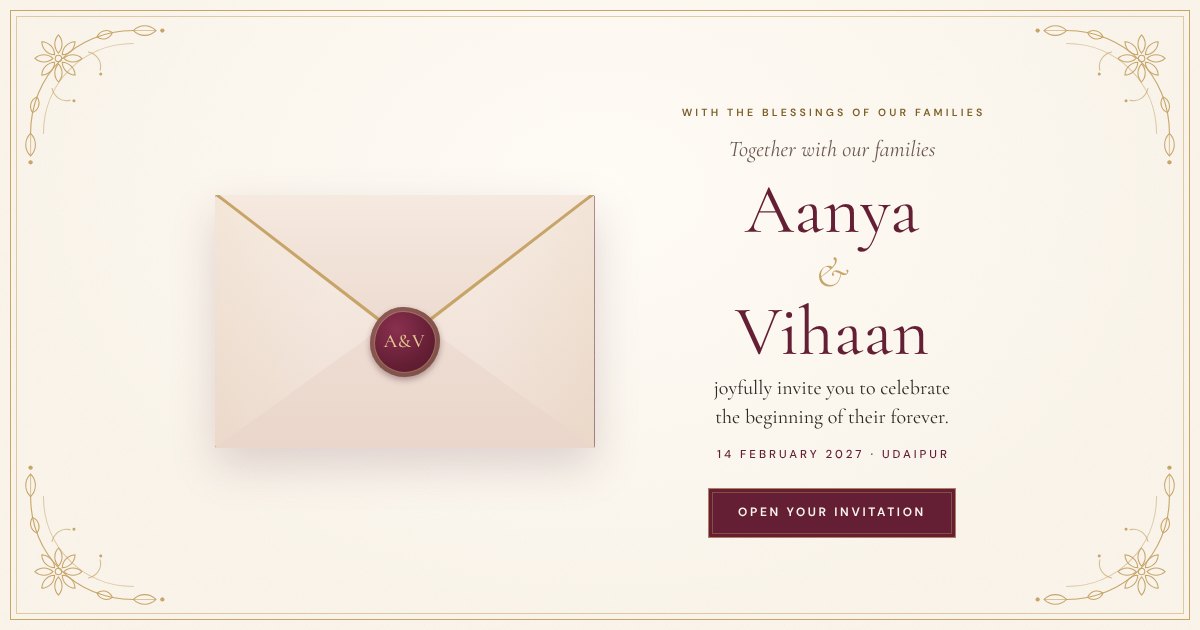
ShaadiNama is a digital wedding invitation that opens like a sealed envelope. Inside are the two of you and your families, every function — Mehendi, Haldi, Sangeet, the pheras and the Reception — with dates, venues and dress codes, your love story, a photo gallery, the venue with directions, a countdown, add-to-calendar and an RSVP form. Each family gets their own link that opens with “Dear Sharma ji & family”, and their replies — how many are coming, dietary needs, a message — land on your page.
How do guests open it?
You get one link per guest (or family). Send it on WhatsApp — it opens in any phone browser with their name on the envelope. No app, no account.
How do RSVPs work?
Guests tap Accept or Decline, say how many people are coming and add dietary needs or a message. Every reply shows on your invite page, and you can download the whole list as a spreadsheet for the caterer.
Can some guests see only some functions?
Yes. For any guest you can untick functions — say, invite close family to the Mehendi and everyone else to the Reception. Only their link changes.
Can I change details after sending it?
Yes. Change a time, venue or photo on your invite page and every link that is already out shows the new details straight away.
Single or Unlimited — which one do I need?
Single is one personalised link. Unlimited gives every guest their own link with their name and RSVPs, and you can keep adding guests for a year.
